a guide to running a K3s cluster on a Raspberry Pi

Call me Facsimile. Some days ago -- never mind how long precisely -- having little to no idea about container orchestration, and nothing particularly exciting to do, I decided to try my hands at Kubernetes. It is a way I have of driving off the spleen and regulating the circulation.
I must say this, the amount of material available online on K8s is just stupidly large. And the memes about its scale and complexity somehow is larger! But, I seem to have found a clearing amidst all the bushes and brambles. K3s by rancher. Considering the resource constraints I was working with, 'twas but an obvious choice (Or maybe not that obvious since I don't know what I'm talking about. But we'll roll with it; K3s it is!).
Note: This is an evolving document. A journal of all my adventures with the Mighty Kubernetes.
The master and the worker
I was planning on running the master node on a Digital Ocean droplet with 2GB of RAM, and the worker node on a 4GB Raspberry Pi.
Master - 2GB, Ubuntu 22.10, Digital Ocean droplet
Worker - 4GB, Raspberry Pi OS (Debian Bullseye variant), Raspberry Pi 4 Model B
Installing K3s on the master
Grab the setup script using curl with the following configs. I was running into an issue with the metrics-server which I was not able to debug, so I thought I might as well disable that for now.
curl -sfL https://get.k3s.io | sh -s - --disable traefik --disable metrics-server --write-kubeconfig-mode 644 --node-name k3s-master-valinor
Installing K3s on the worker
Grab the server token by running sudo cat /var/lib/rancher/k3s/server/node-token. Then run the below script.
curl -sfL https://get.k3s.io | K3S_NODE_NAME=k3s-worker-raspi K3S_URL=https://your-master-ip:6443 K3S_TOKEN=TOKEN sh -
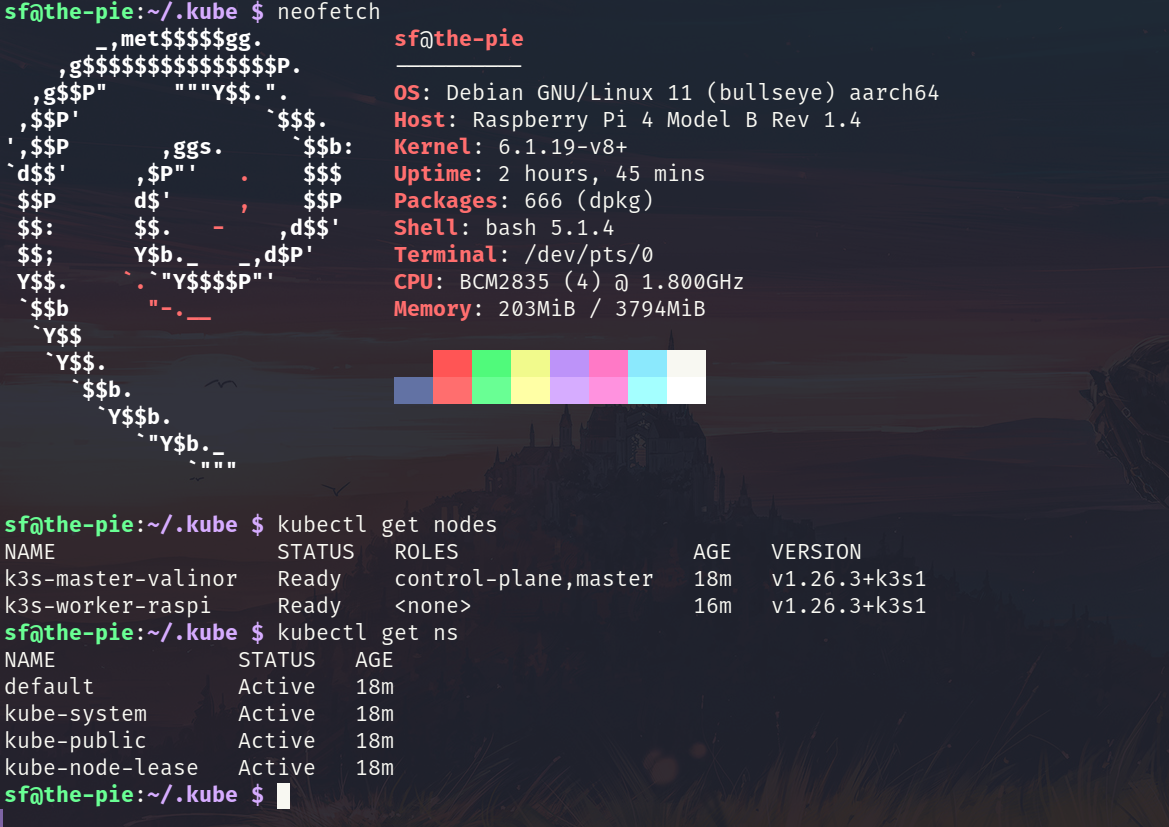
Copy the /etc/rancher/k3s/k3s.yml file from your master and save it in the worker's file ~/.kube/config. Note that here config is the file and not a directory. Inside the ~/.kube/config change the server IP to that of the master's. Ensure that firewalls are not blocking the port 6443 on the master.
Voila! Your K3s cluster is up and running!
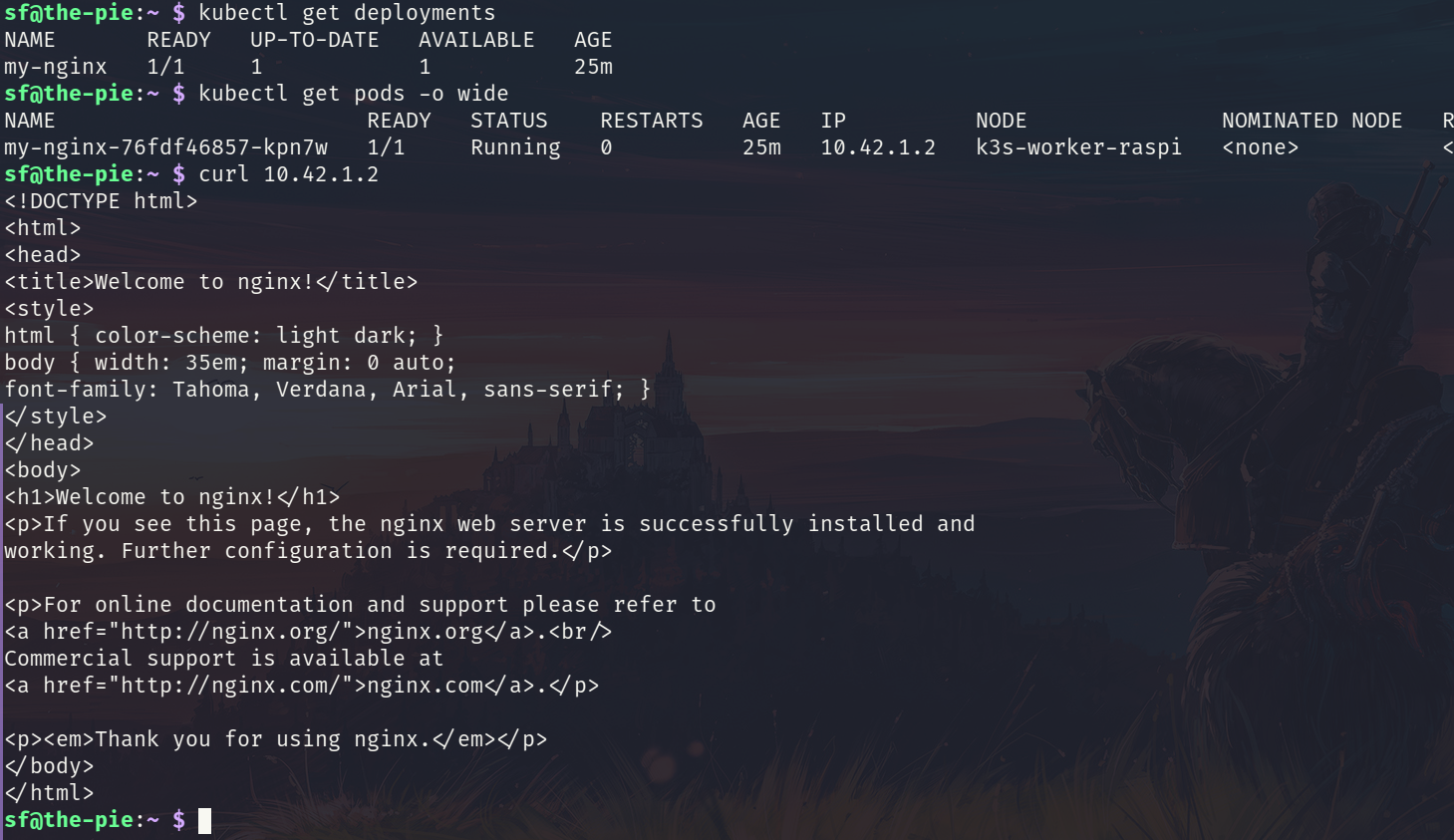
Deploying an nginx web server on the worker
Create a deployment by grabbing an image of nginx.
kubectl create deployment my-nginx --image=nginx --port=8080
Deploying an nginx webserver using a deployment yaml file
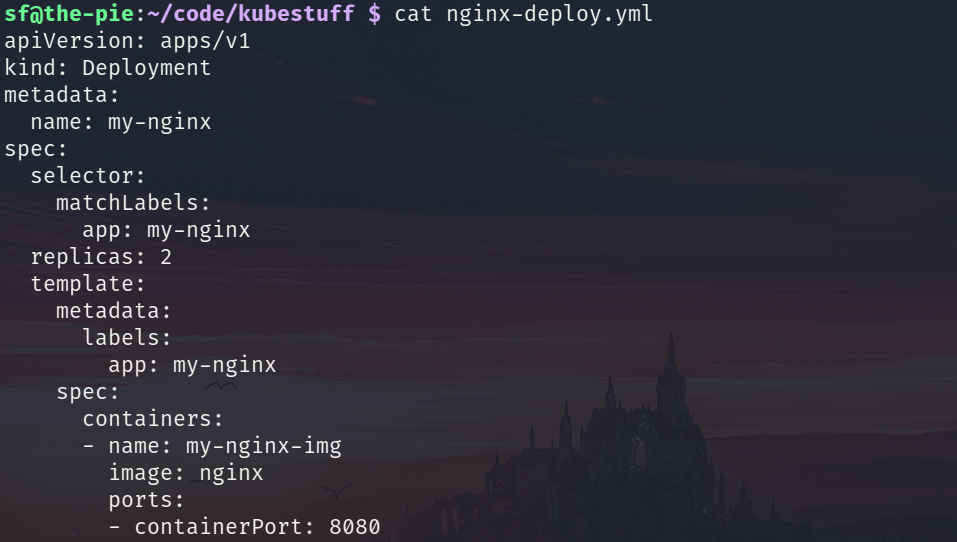
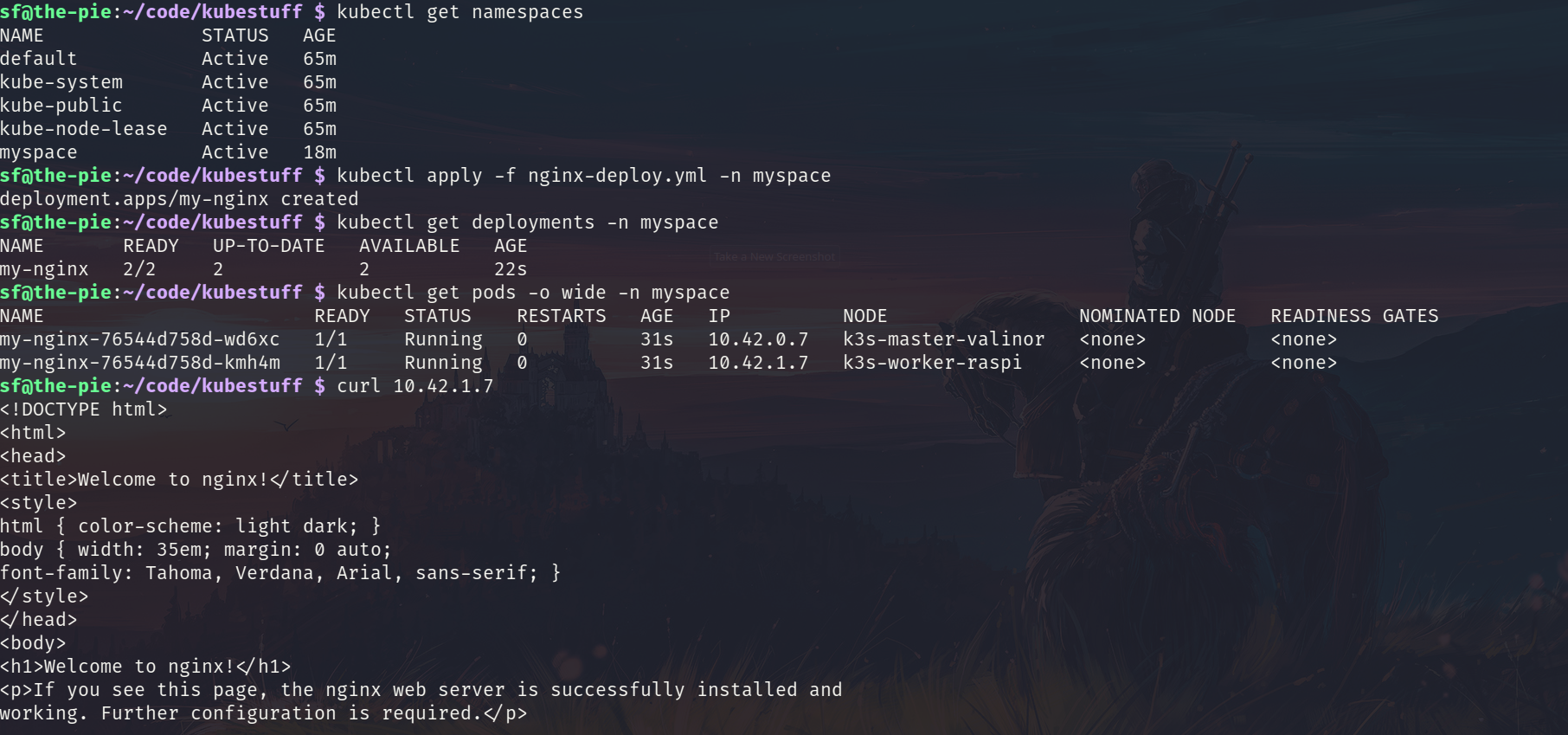
To deploy the yaml file run the kubectl apply -f nginx-deploy.yml. You will notice two instances of nginx running - one on the master and one on the worker (since we have only two nodes and we wanted to create two replicas)
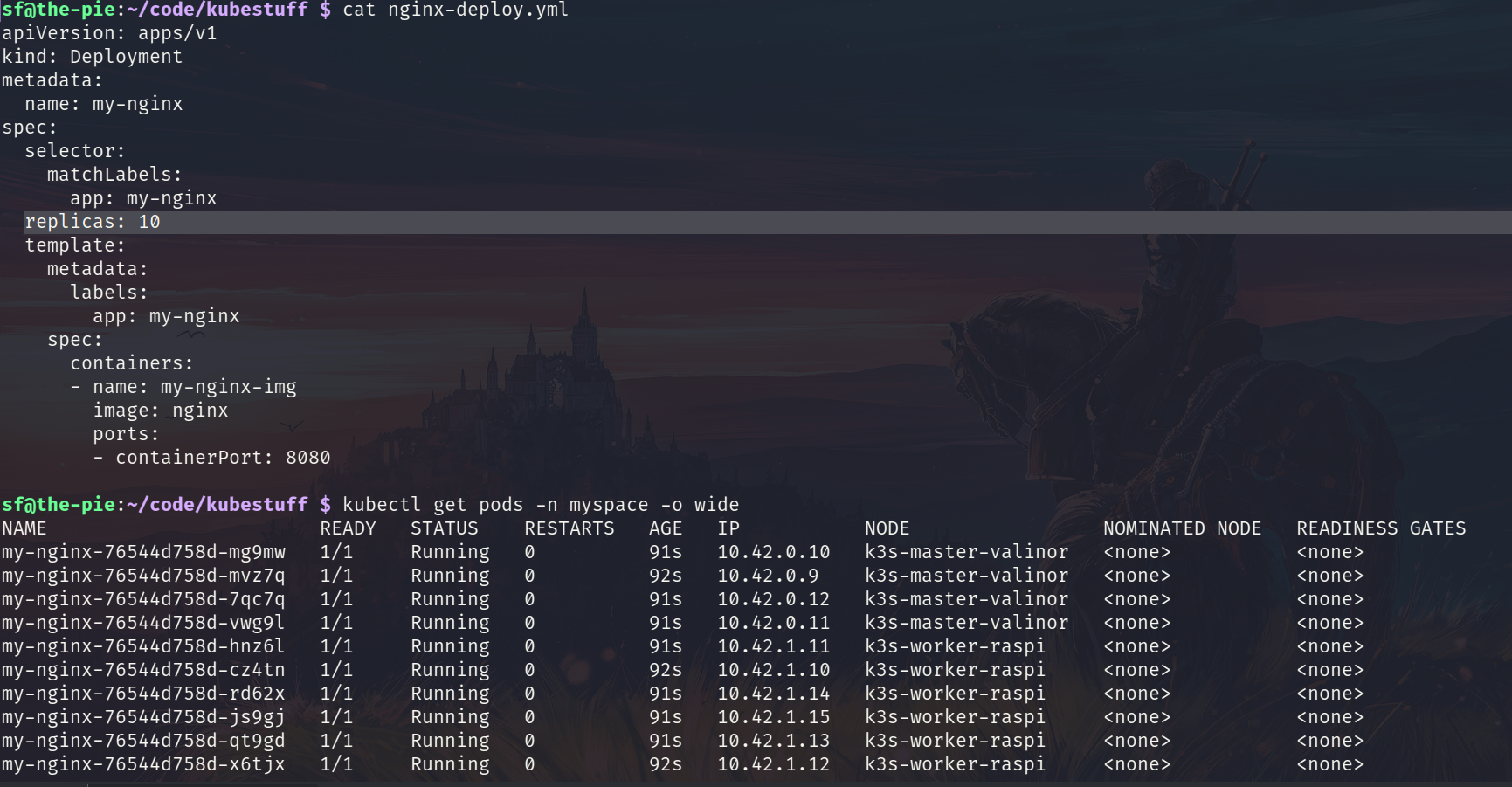
I tried to run 10 instances of nginx and it had no problem creating them. And the memory footprint was quite low too.
Running K3s using Docker container runtime
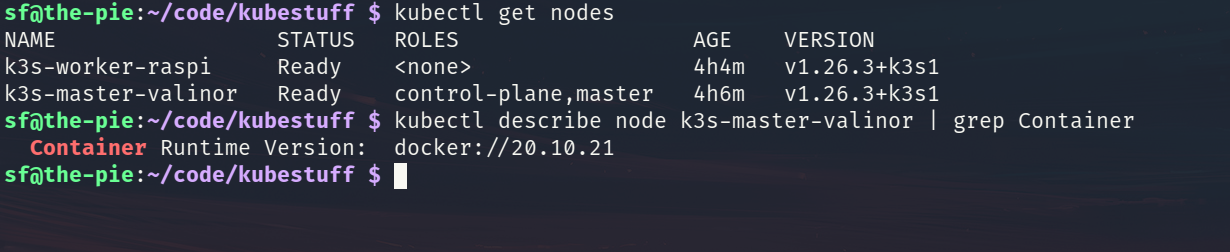
The default container runtime of K3s is containerd. With the --docker option during the installation this can be changed to use Docker.
curl -sfL https://get.k3s.io | sh -s - --disable traefik --disable metrics-server --write-kubeconfig-mode 644 --node-name k3s-master-valinor --docker
curl -sfL https://get.k3s.io | K3S_NODE_NAME=k3s-worker-raspi K3S_URL=https://your-master-ip:6443 K3S_TOKEN=TOKEN sh -s - --docker
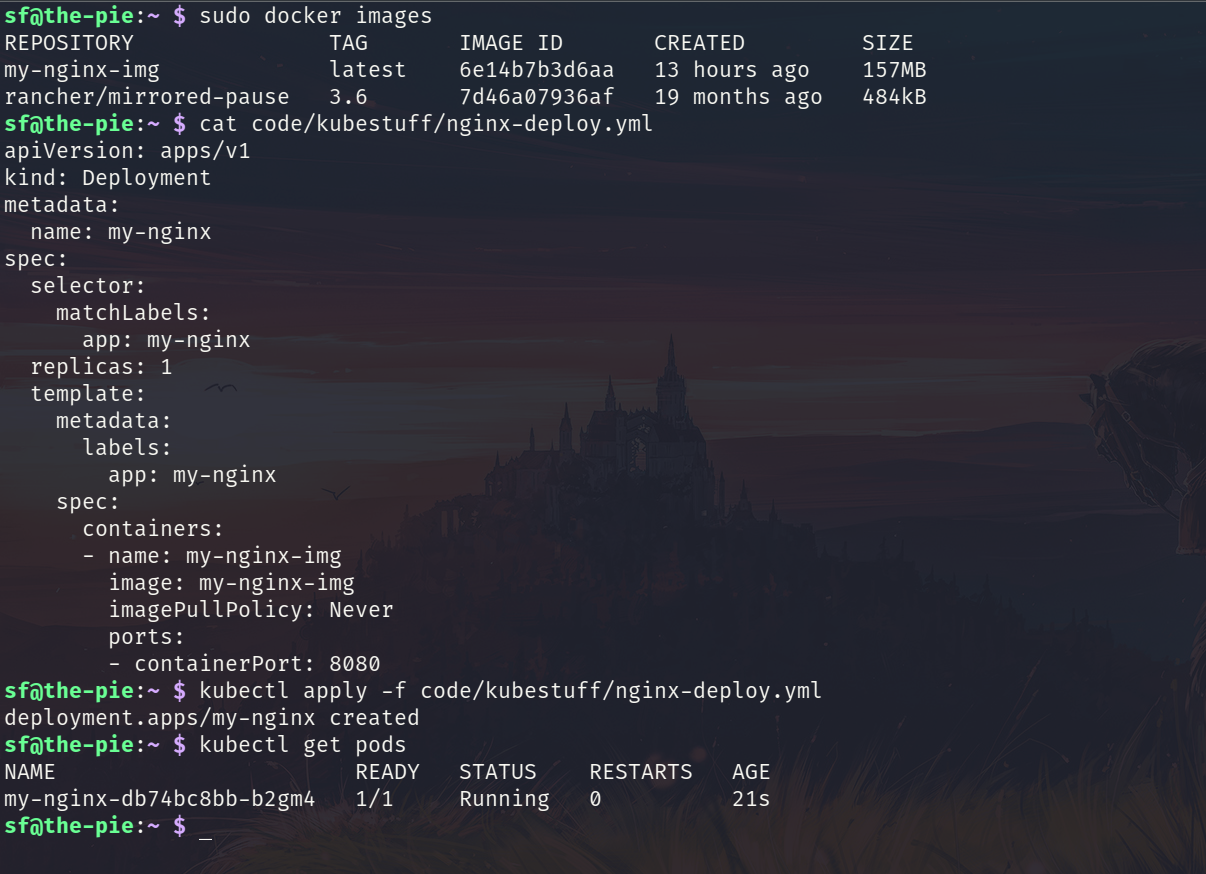
By setting the imagePullPolicy to Never in the deployment file K3s will start using the local images.