quickest way to connect to your raspberry pi
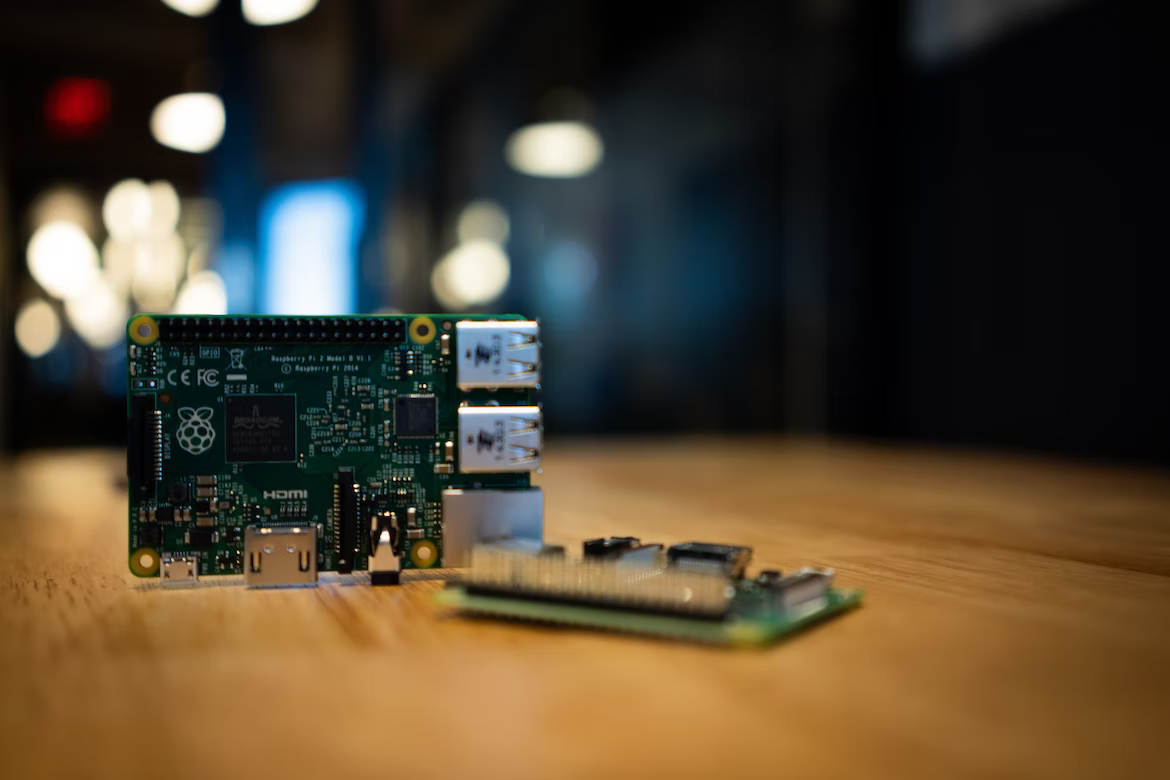
This is how you can quickly connect to your Raspberry Pi using your laptop.
The Raspberry Pi comes with an on-board 802.11n Wireless LAN Adapter. After you have flashed your microSD card with an OS (Raspian, for eg.),
go to the boot folder and create a wpa_supplicant.conf file. The contents of the file should be as below -
ctrl_interface=DIR=/var/run/wpa_supplicant GROUP=netdev
country=<Insert 2 letter ISO 3166-1 country code here>
update_config=1
network={
ssid="<Name of your wireless LAN>"
psk="<Password for your wireless LAN>"
}
And to enable ssh on your Raspberry Pi in headless mode, create an empty file named ssh and place it in the boot folder.
Now, plug your microSD onto the Raspberry Pi and switch it ON. There are a few different ways you can find out the IP address of your Raspberry Pi -
- Go to your router admin page and check the list of connected devices
- Or run a
ping raspberrypi.localand get the IP address - Or run an
nmap -sn <your-network-address>/24 | grep 'pi'and get the connected devices list

You can then ssh pi@raspberrypi or ssh pi@<raspberry-ip-address>. The default username is pi and the password is raspberry.
Update (29 mar 2023)
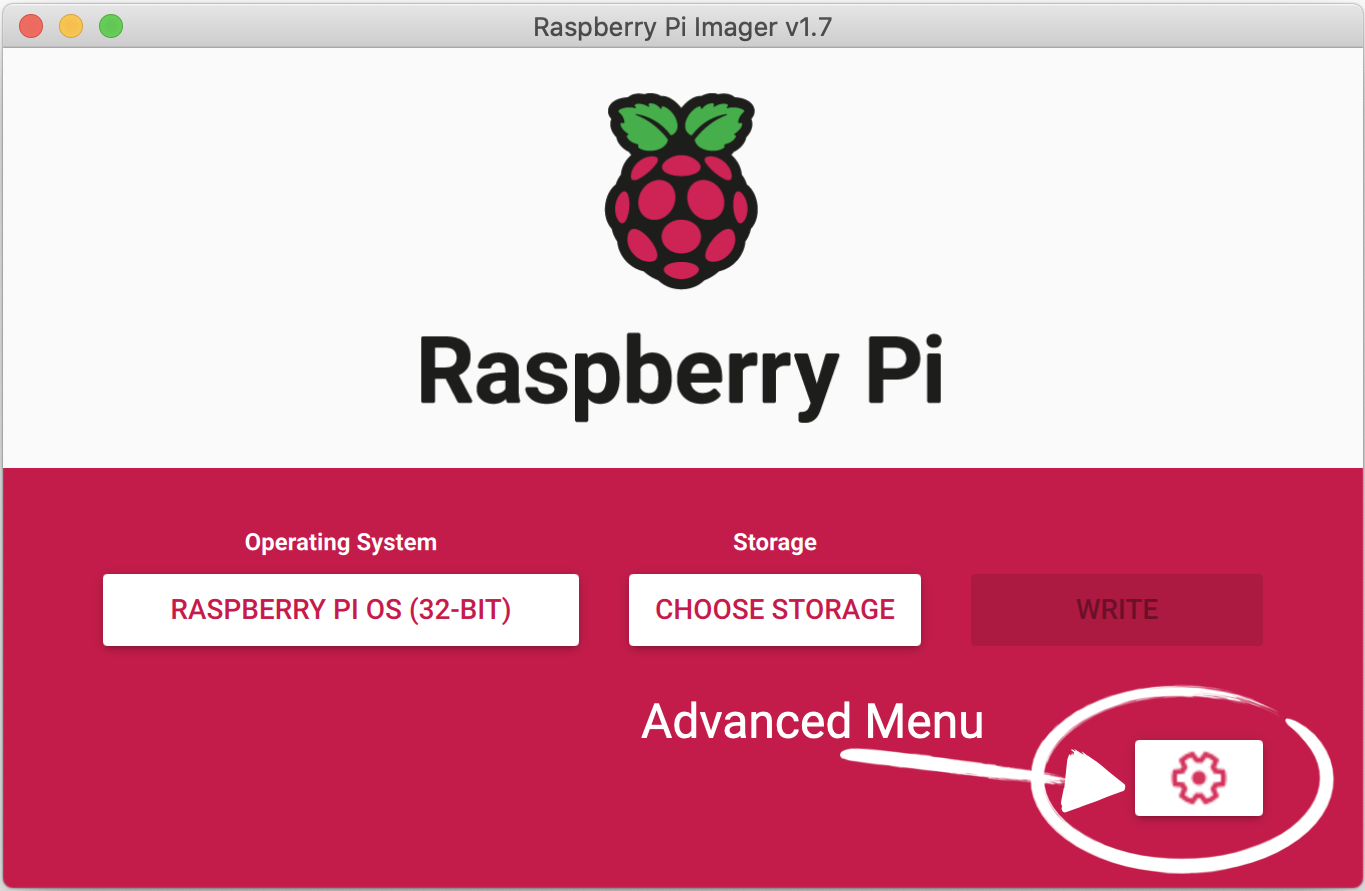
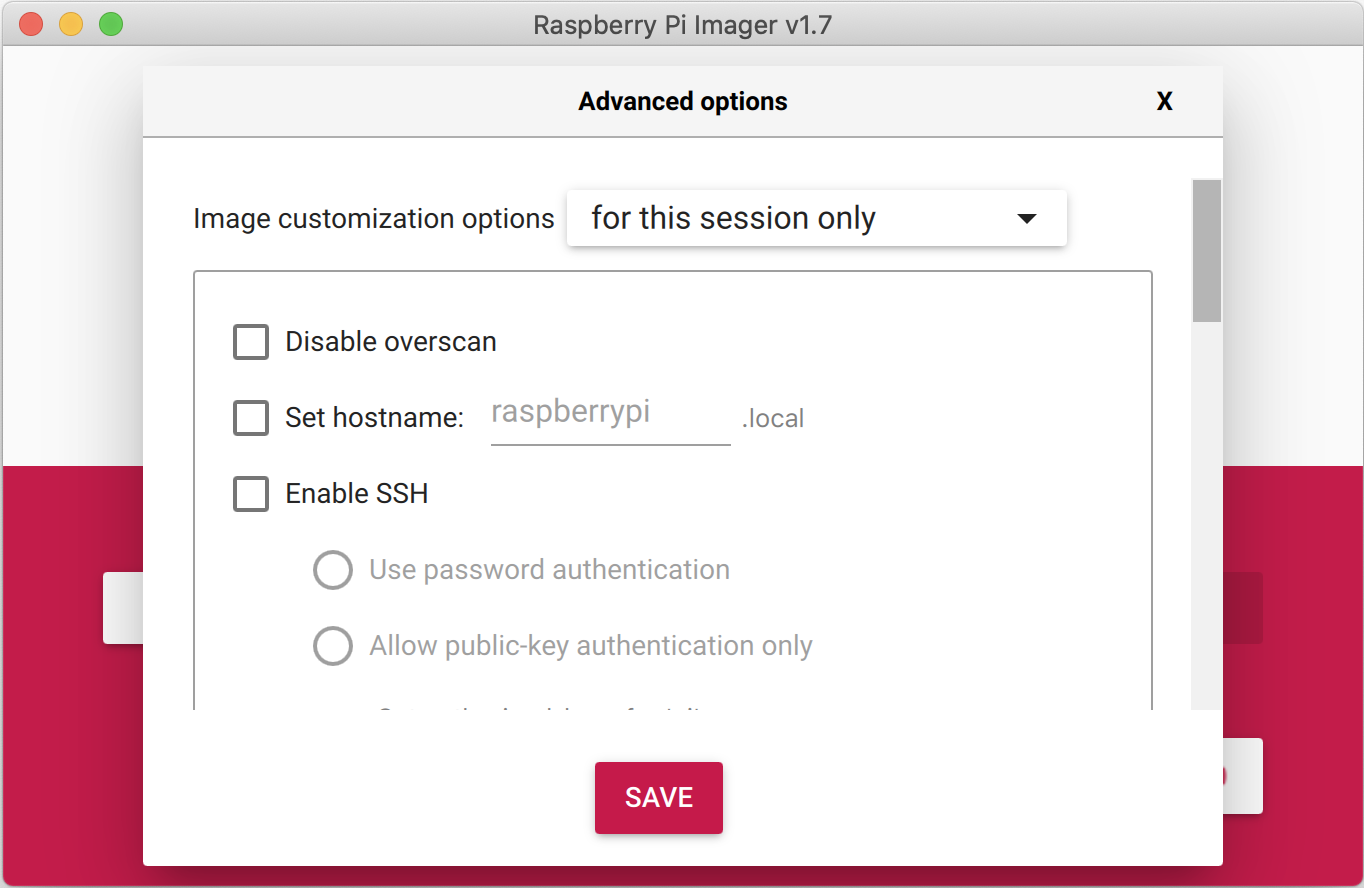
I just realised yesterday that the Raspberry Pi website provides a nifty utility called the Raspberry Pi Imager which can be used to flash the Raspberry Pi OS. If you click on the Advanced Menu wheel on the imager you'll get options to pre-configure your ssh and wifi credentials, and also set hostname and password for your Pi. This is probably the quickest way to get your Raspberry Pi connected.